How to set on-hold music for your customers
- Log into your PressOne account https://web.pressone.africa/sign-in
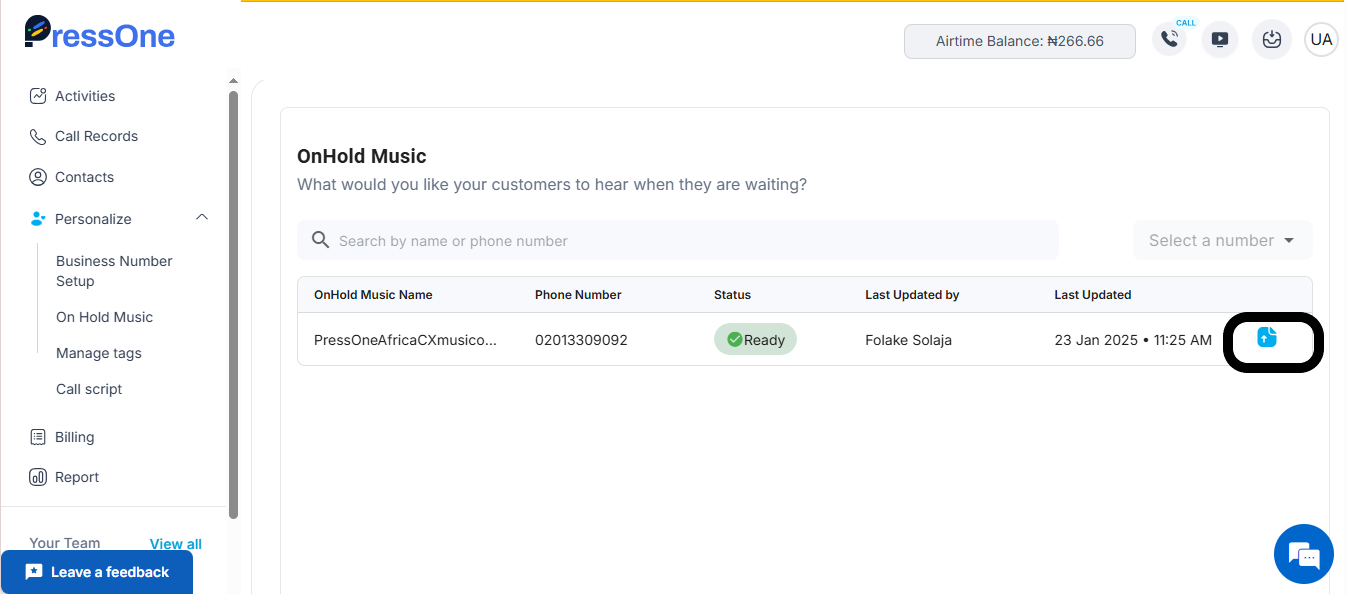
- Under Personalize on the left side bar, click on On Hold Music.
3. Click on the blue upload button on the table.
4. You can upload your preferred audio music file.
4. You can upload your preferred audio music file.

5. Once you're done, click on upload.

6. Your audio file will be uploaded and your callers can now listen to music while they wait to speak with a team member.

